A code agent for your desktop that can also take a program apart and show you how it works.
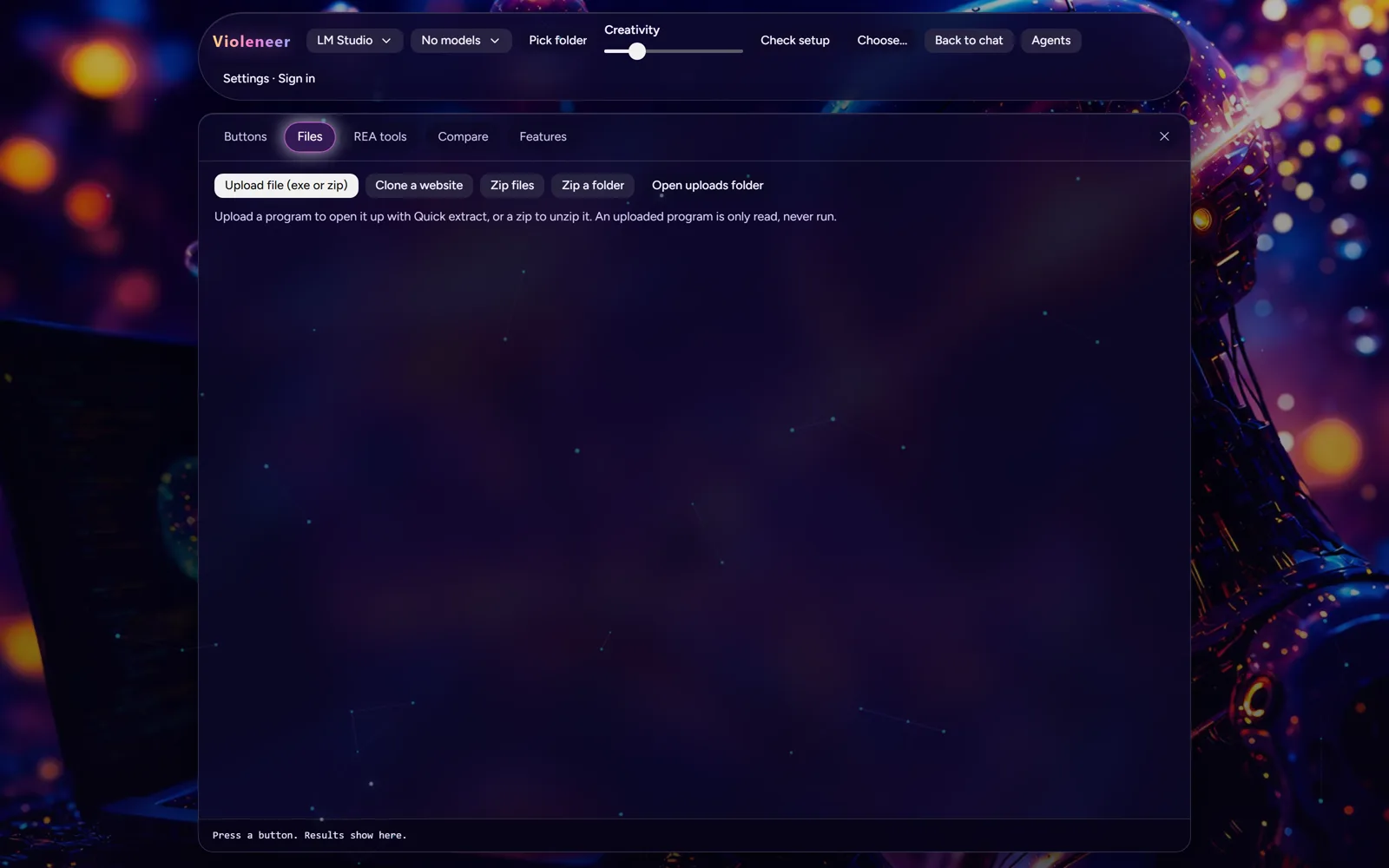
Violeneer is a desktop window where you chat with Codey, a code agent that works inside the one folder you choose. Beside the chat is a Workbench of plain buttons: upload a program or a zip and open it up without running it, zip your own files, copy one web page with its styles and pictures, hand a program to a reverse-engineering toolkit, and compare what it finds with your own code so you can see which features you still have to build. Anything that writes, runs a command or copies a website asks first.
- Codey, the code agent — reads, edits and explains code, only inside the folder you pick
- Quick extract — open an installer or program to see its details, readable text and files, without running it
- Zip and unzip — built in, with unsafe paths and damaged files refused
- Clone a web page — one page with its styles, scripts and pictures, after you say yes
- Compare — your code against what the reverse-engineering tools found, feature by feature
- Any model you like — LM Studio, Ollama, OpenRouter, NVIDIA NIM, OpenAI, Claude or OpenCode, chosen from a list
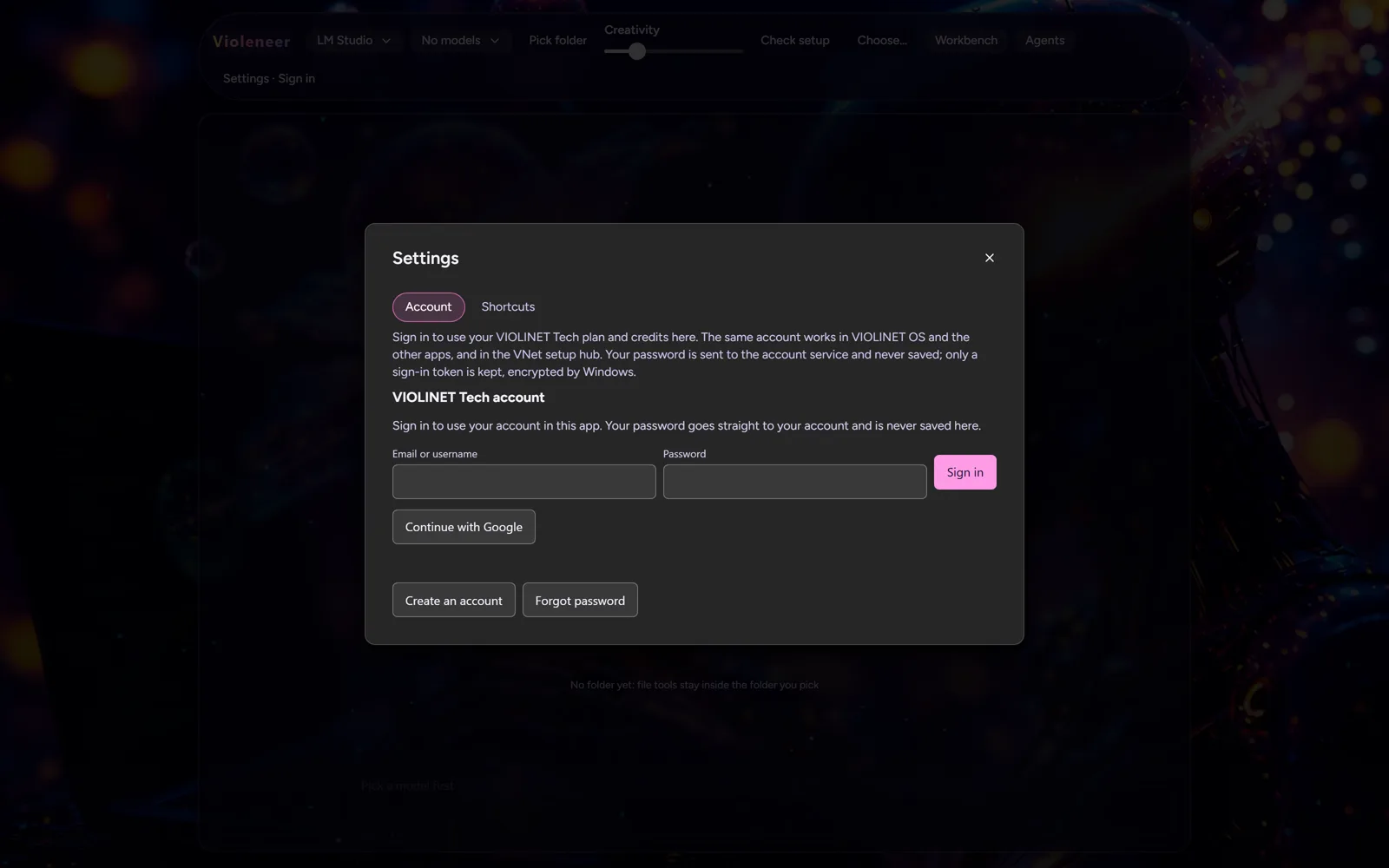
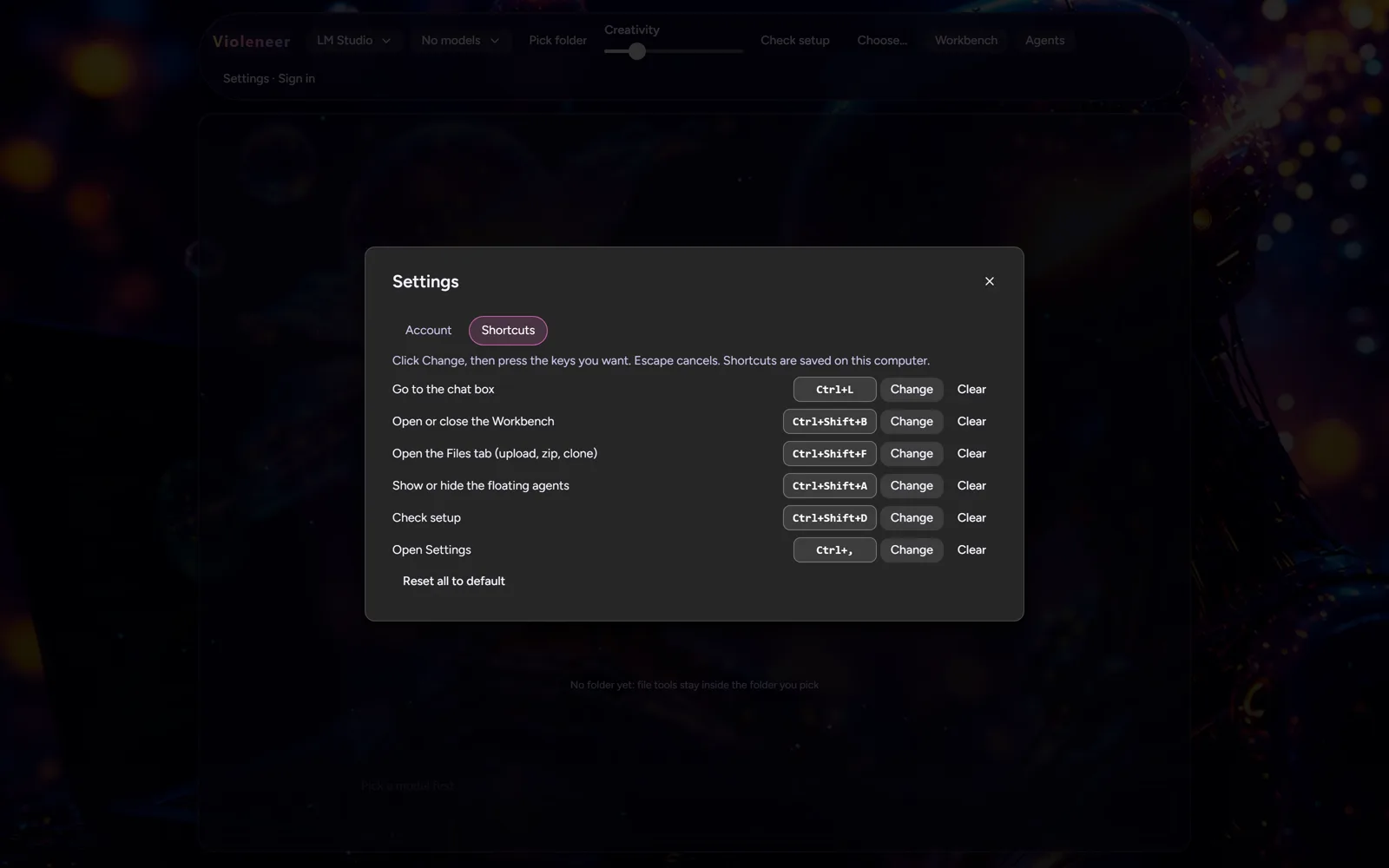
- Your VIOLINET Tech account and your own keyboard shortcuts, in Settings
Early release for Windows is built. A public download is coming soon.
More apps
Codecaine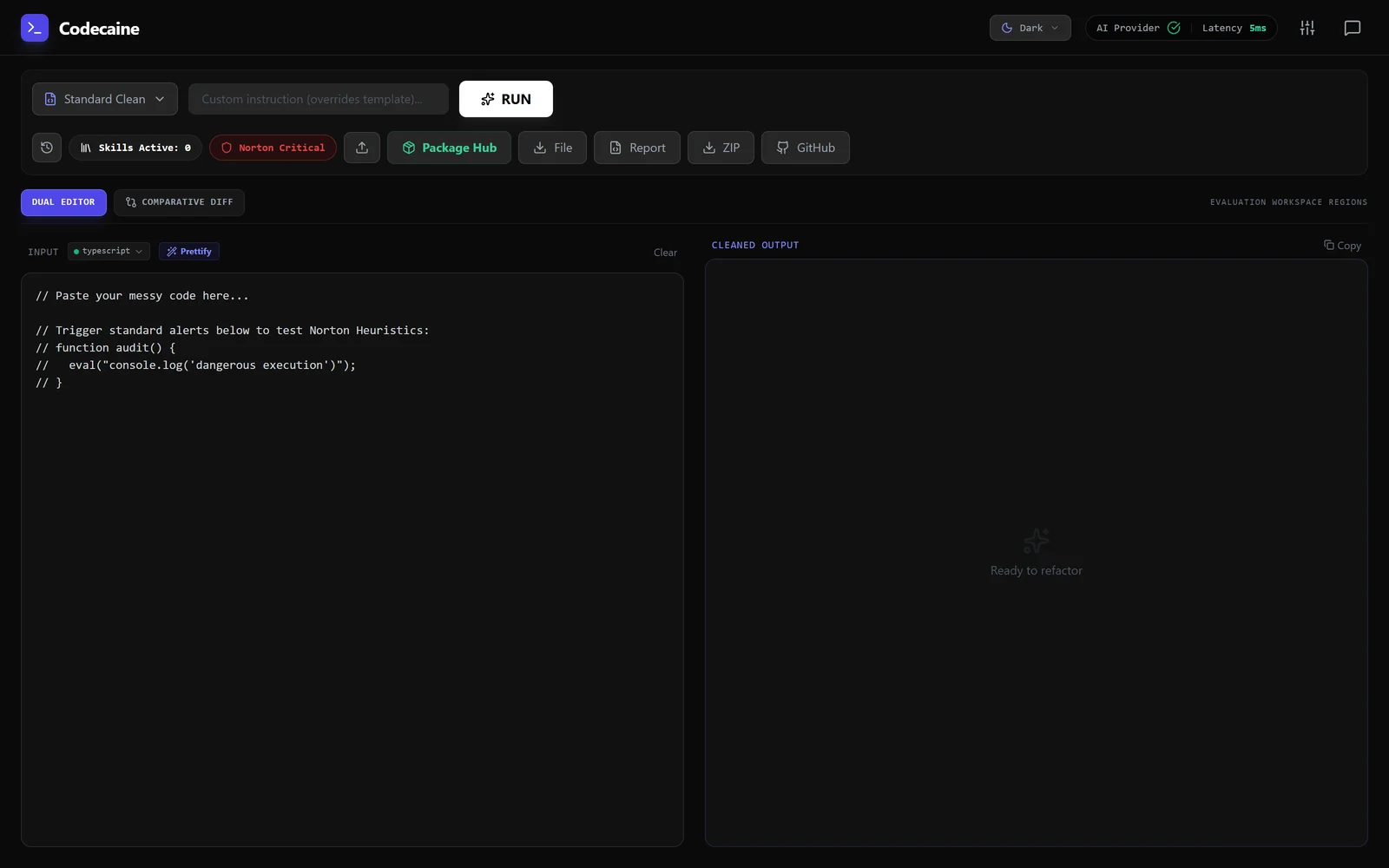 A code reviewer that argues with itself before it touches your code.CCO Studio
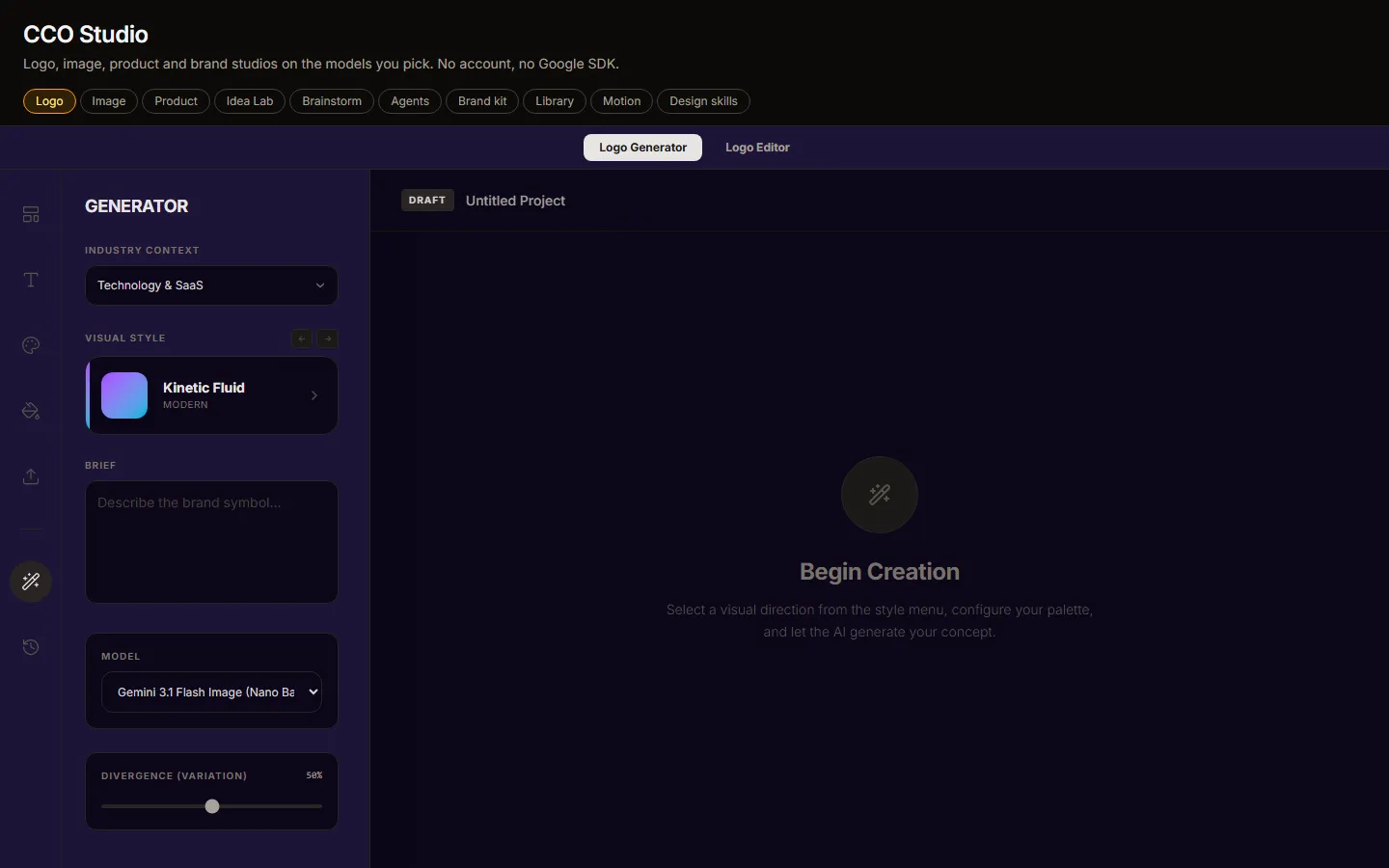 A creative department in one window.PortrAIt StudioNo screenshot yetA neural darkroom: re-render camera angles in 3D, then develop the print.ComfyRAM Manager
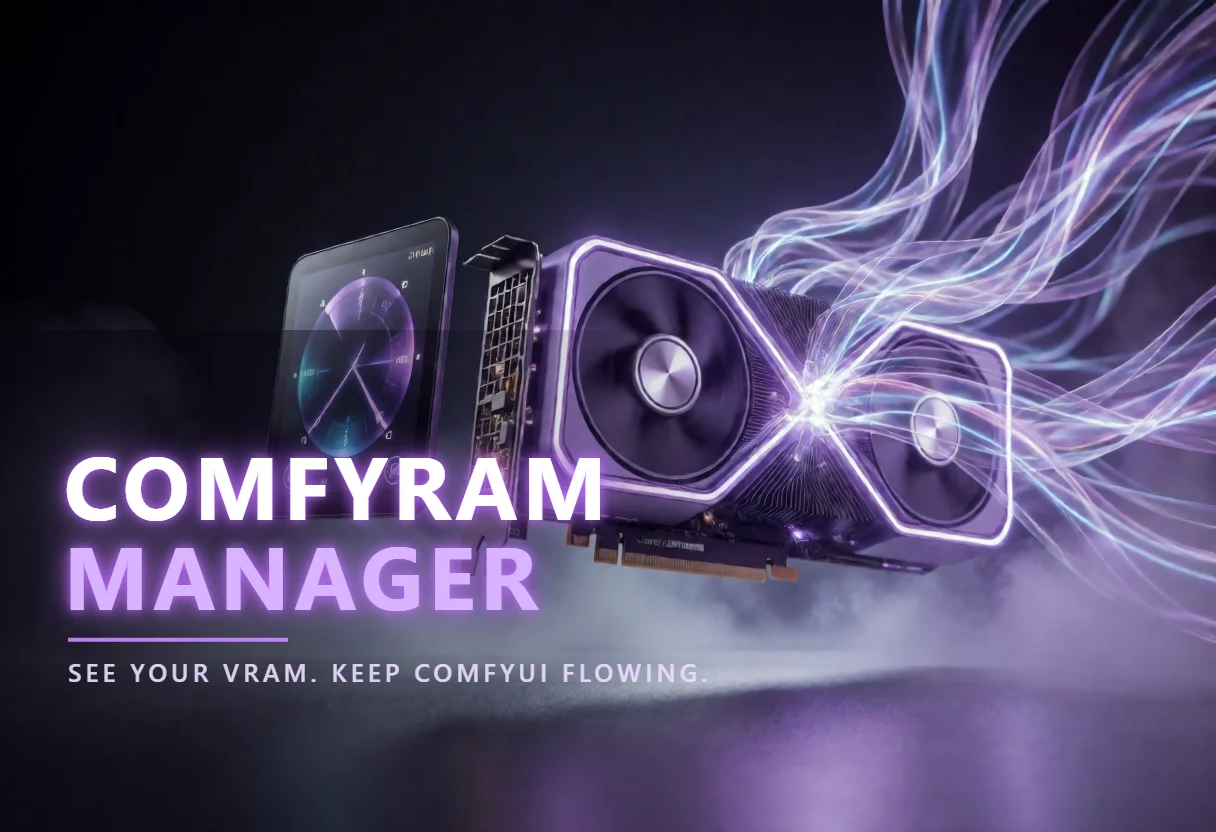 Frees the memory ComfyUI is still holding, before the next run fails.bashme
 Holds what an agent wants to run until a person agrees.Violet PairNo screenshot yetSend a generation job to whichever GPU in the house is free.Solar Violet Nodes
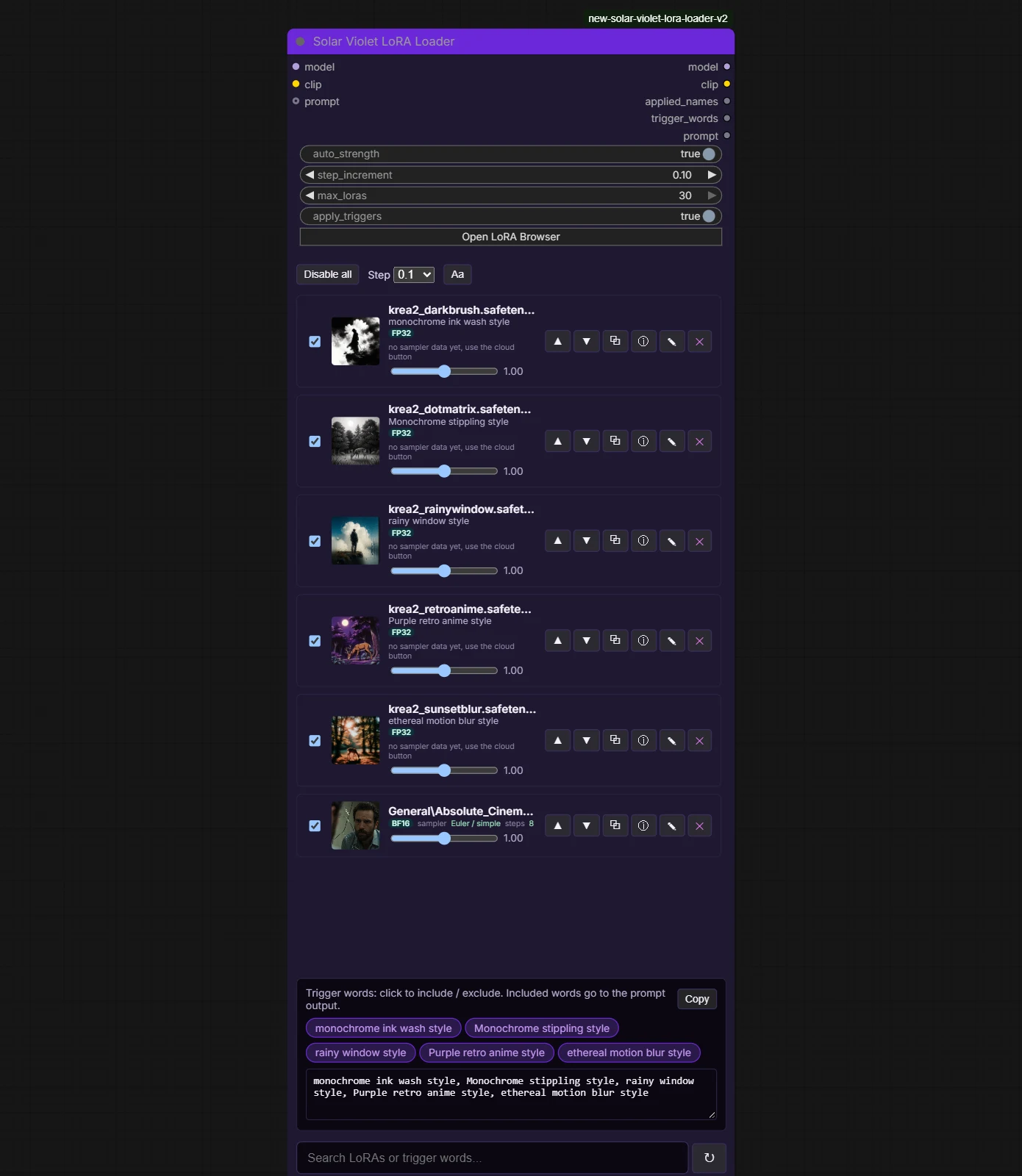 Typed loaders, a LoRA loader that scrolls and grows with your stack, and model browsers that find duplicates in every ComfyUI folder.Violet Wildcards
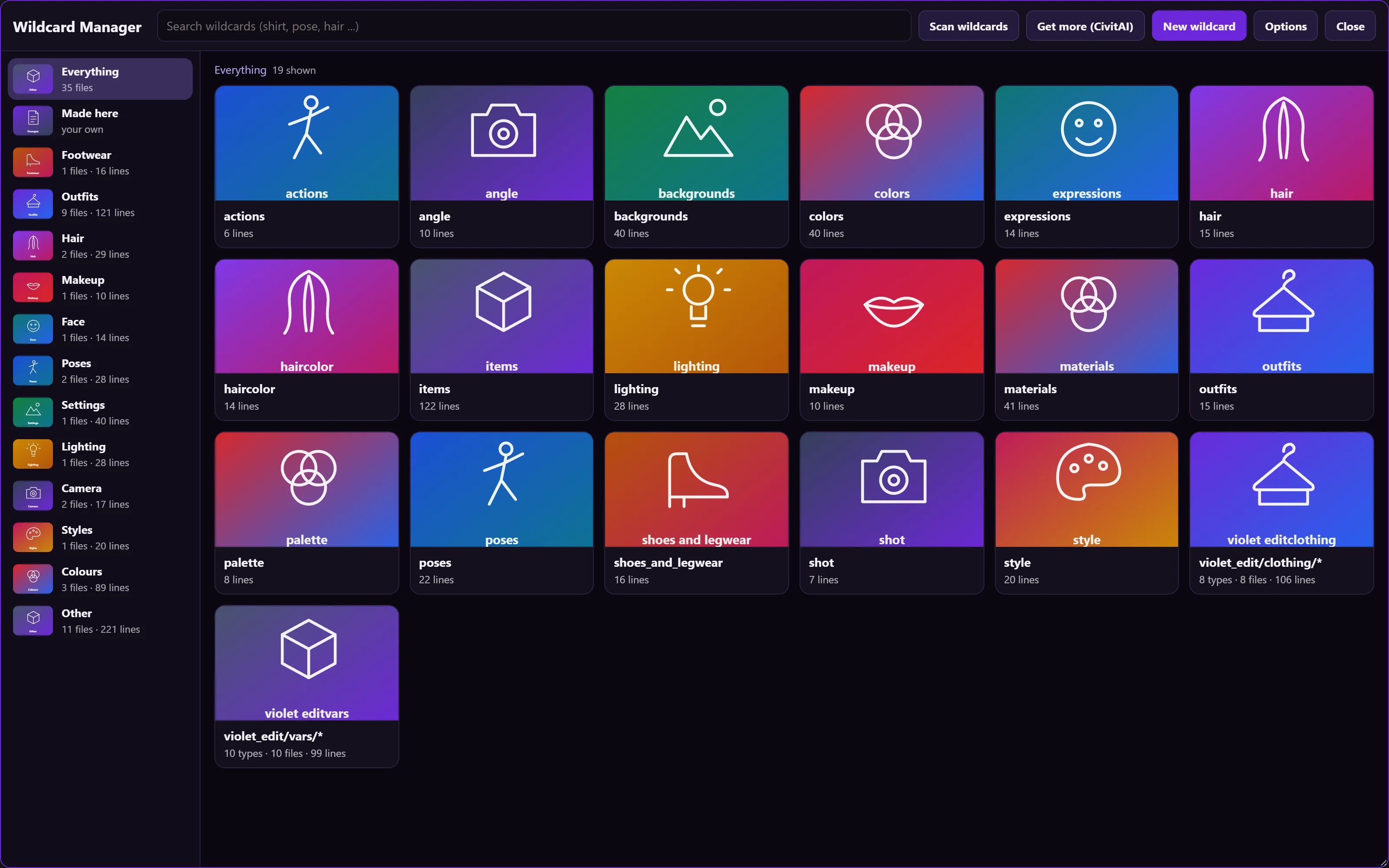 Find, write, test and use the word lists your prompts draw from. 35 word lists, ten picker slots.QuantaViolet
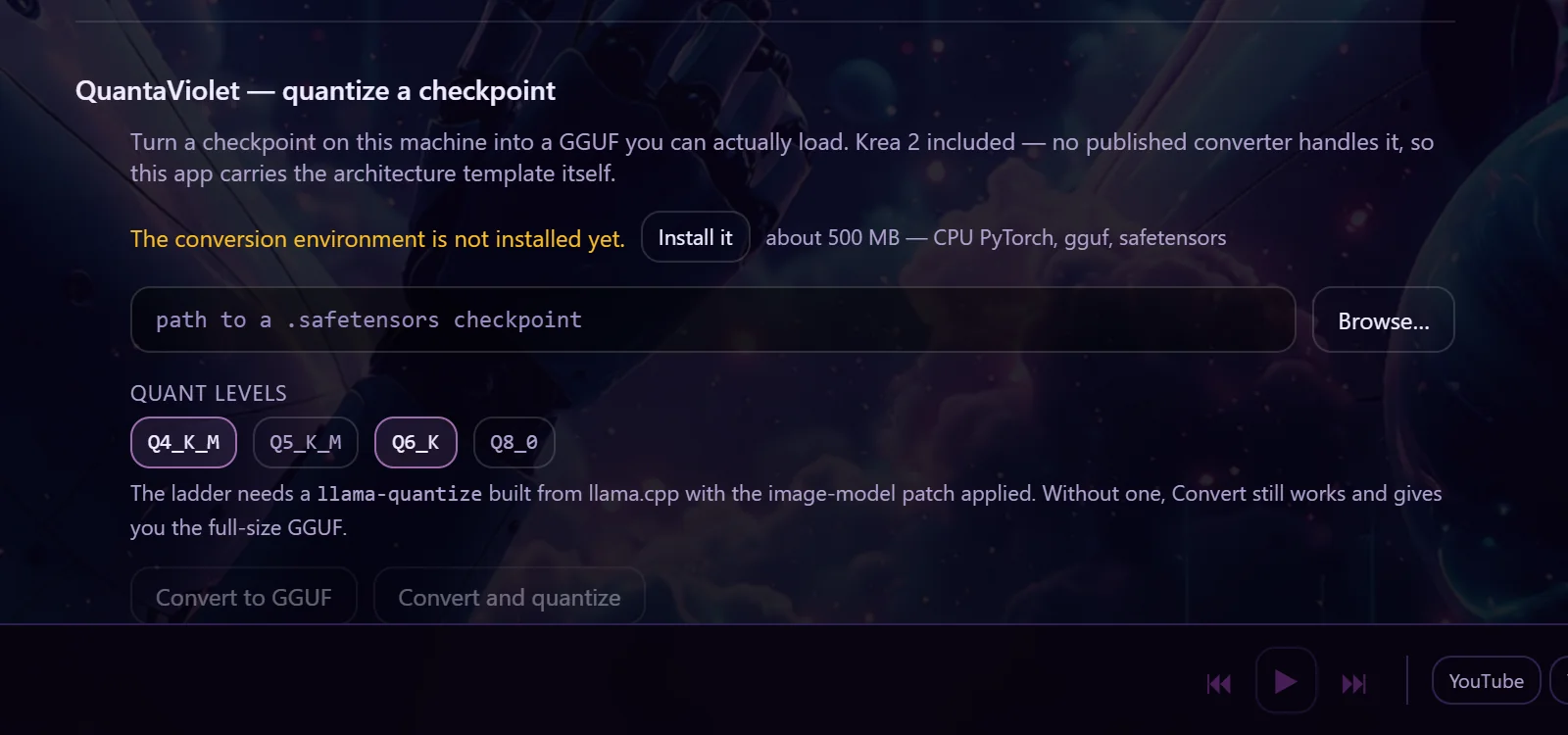 Turn a checkpoint into a GGUF you can load. Krea 2 included.Violet VaultNo screenshot yetSign in once. See what you own, what you can get and what is coming.Violet AssistantNo screenshot yetAsk why a workflow fails, what a node does, or where a model file belongs.VIOLYNKNo screenshot yetSend files, share the clipboard, show a screen, move one mouse across them.File SDM
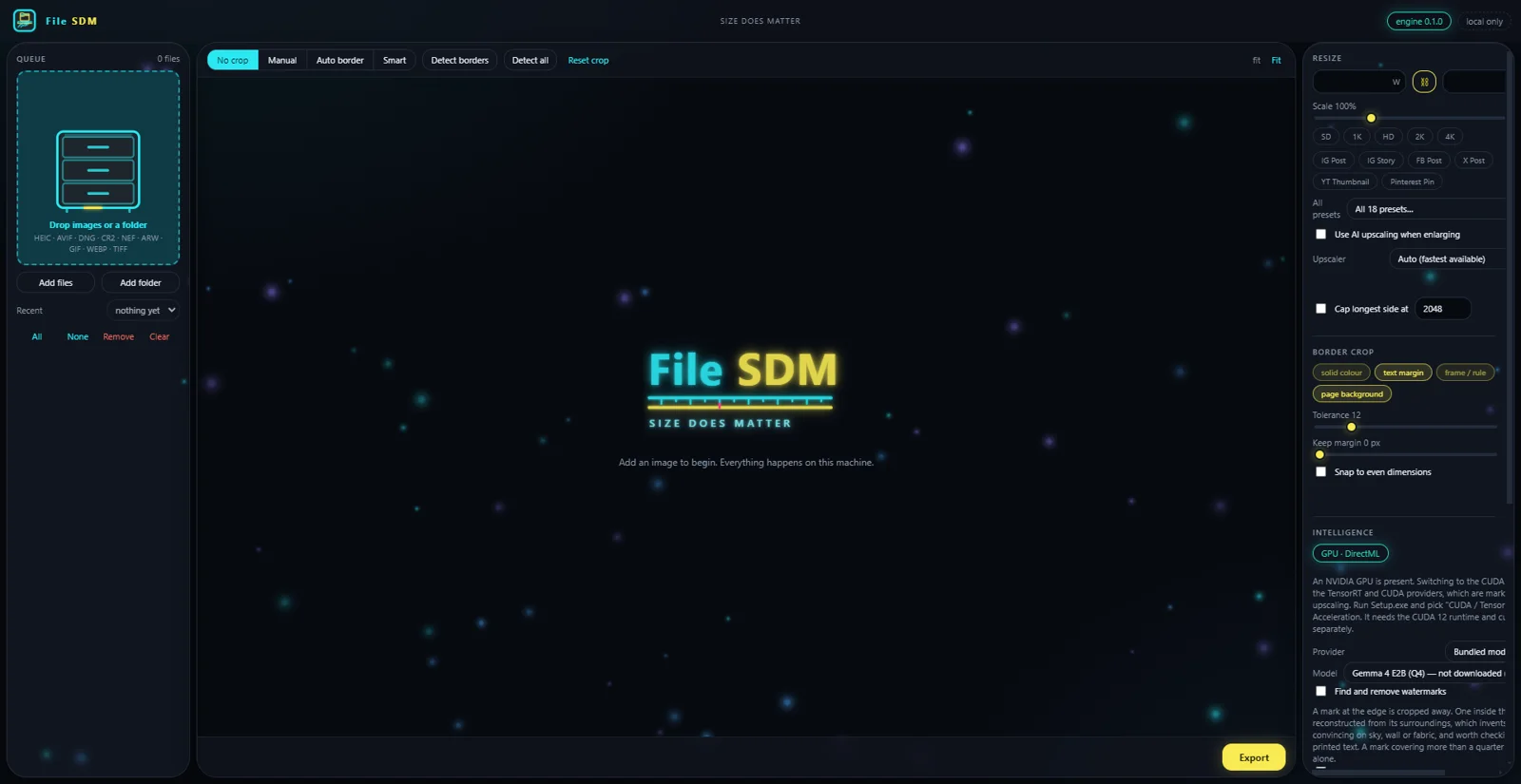 Size does matter. Resize, convert and crop a folder of images without any of them leaving the machine.Violet Rescue
 Fixes a Windows PC that won't start, with big buttons instead of commands.ArtPi6
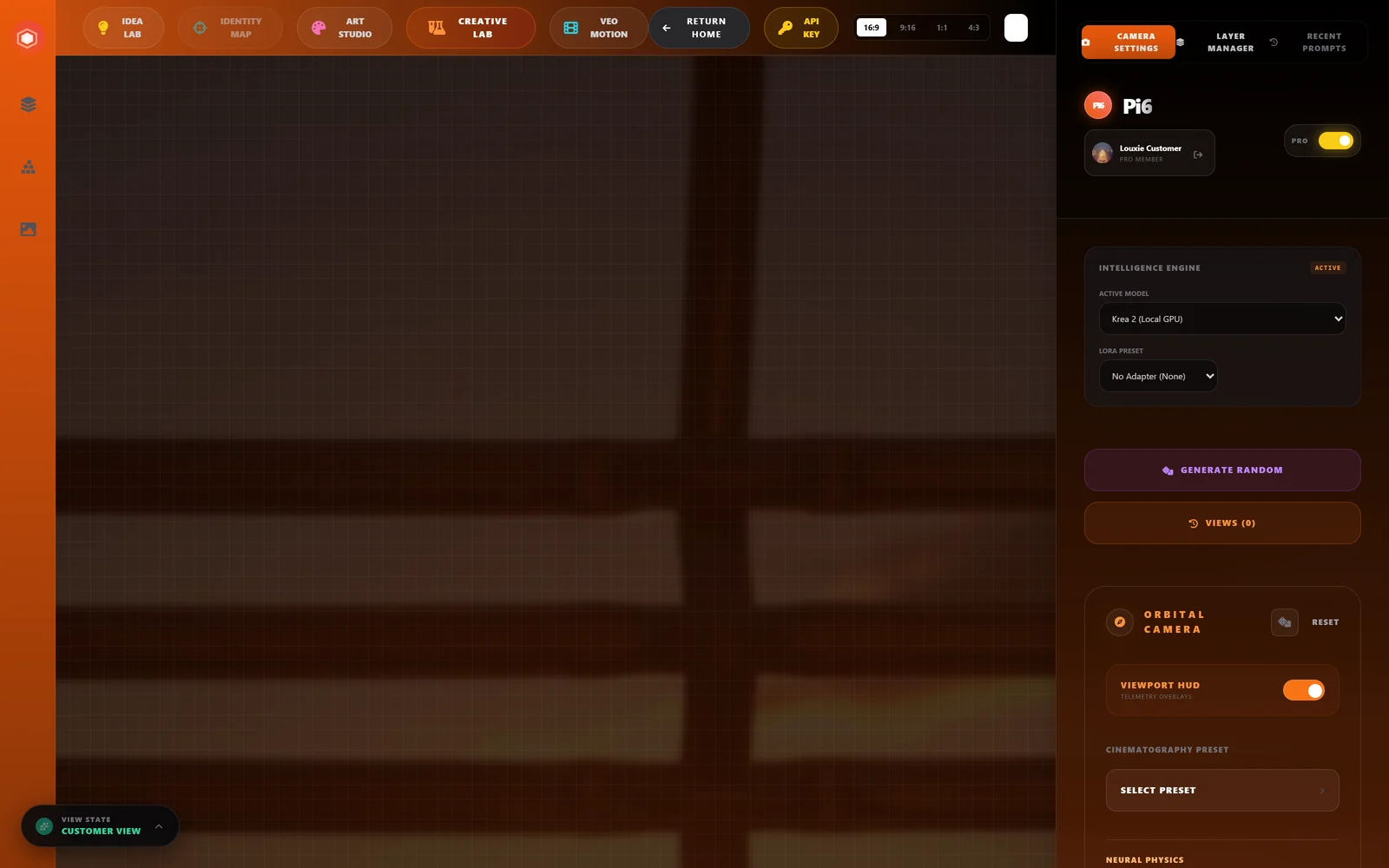 Angles, art styles, depth-map canvas, and an idea lab — one workspace, any model you have.GenFix
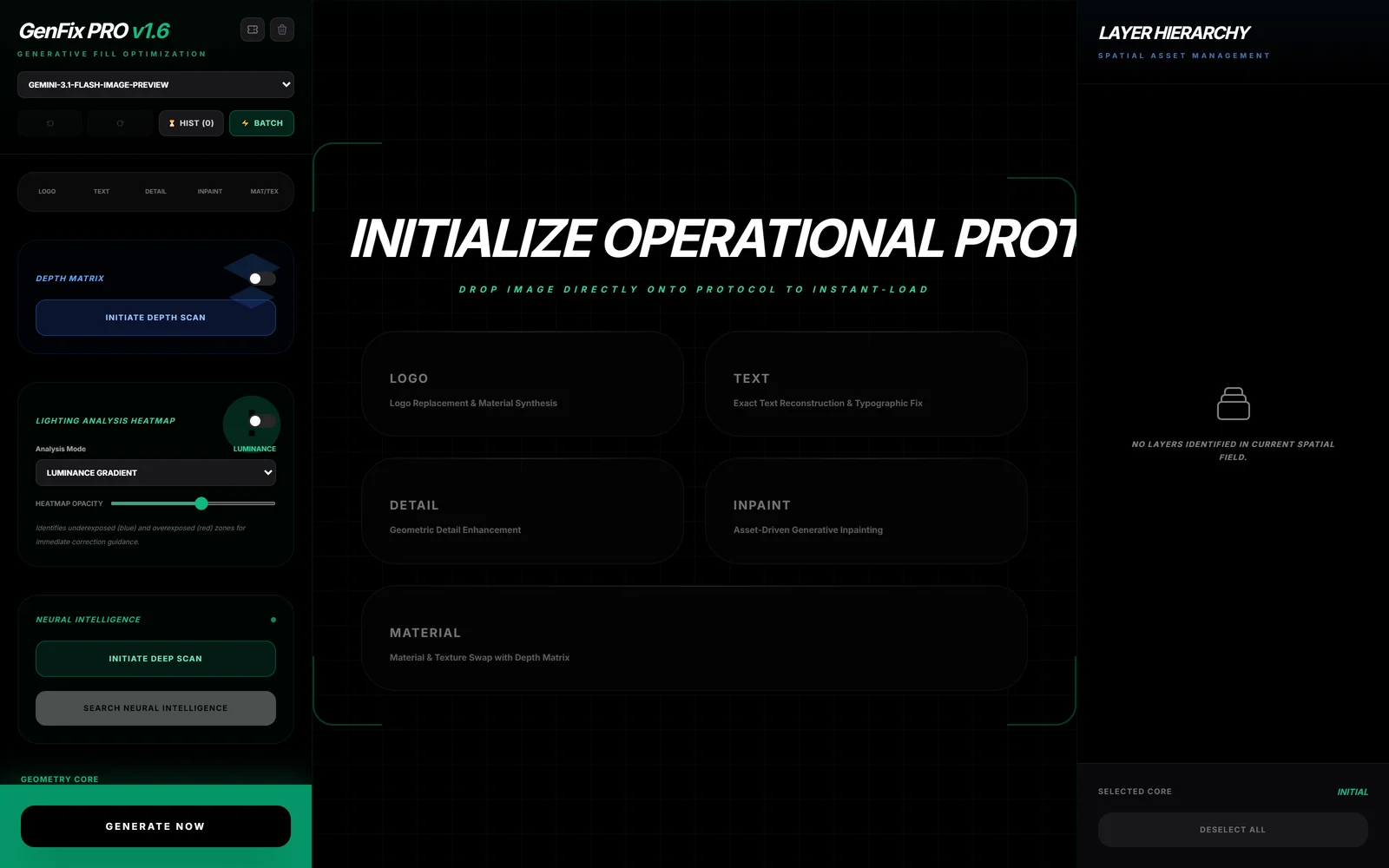 High-fidelity text reconstruction, logo replacement and pattern synthesis.LoumiNova AI
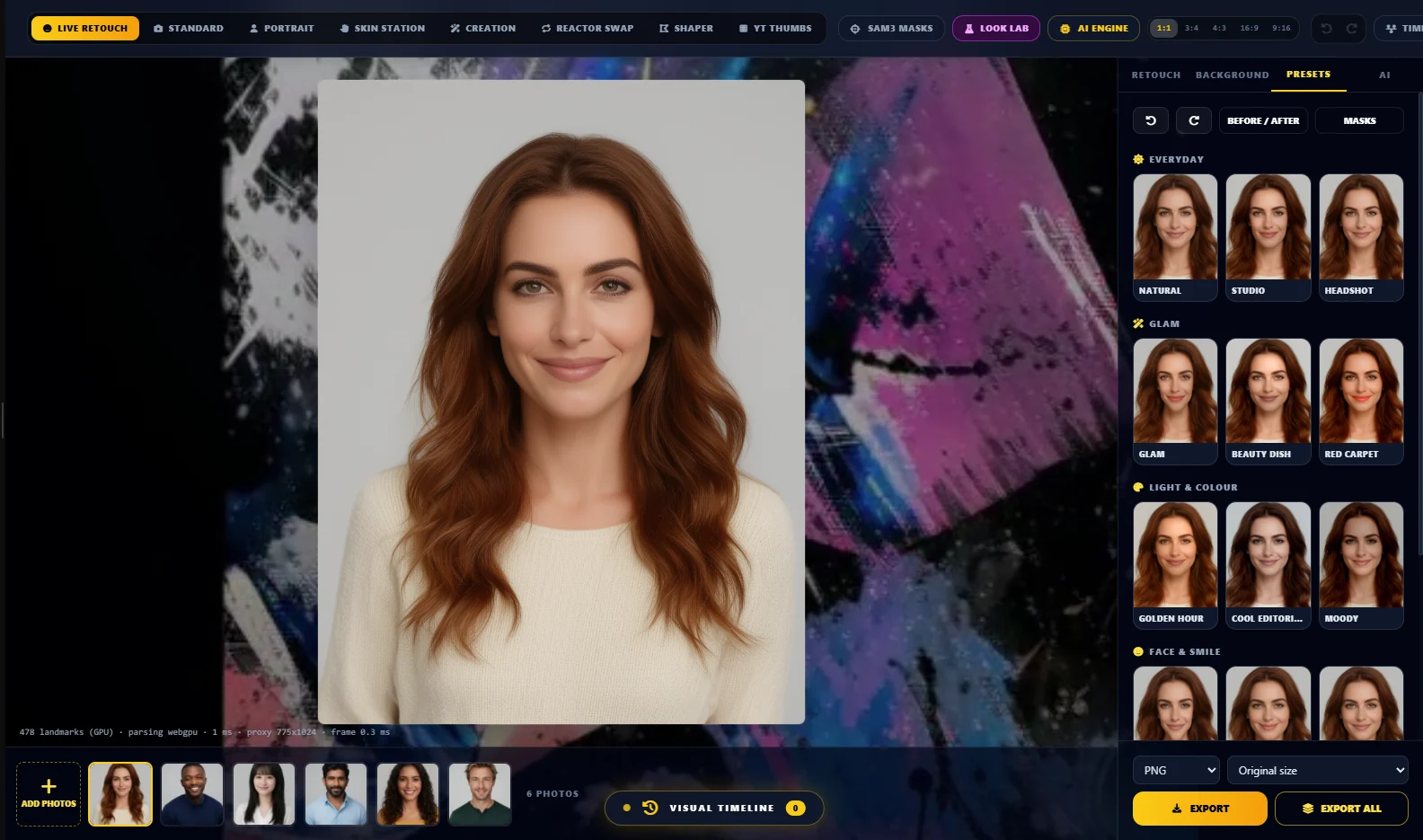 Retouch portraits live on your own machine, then apply the look to the whole shoot.Idea Lab
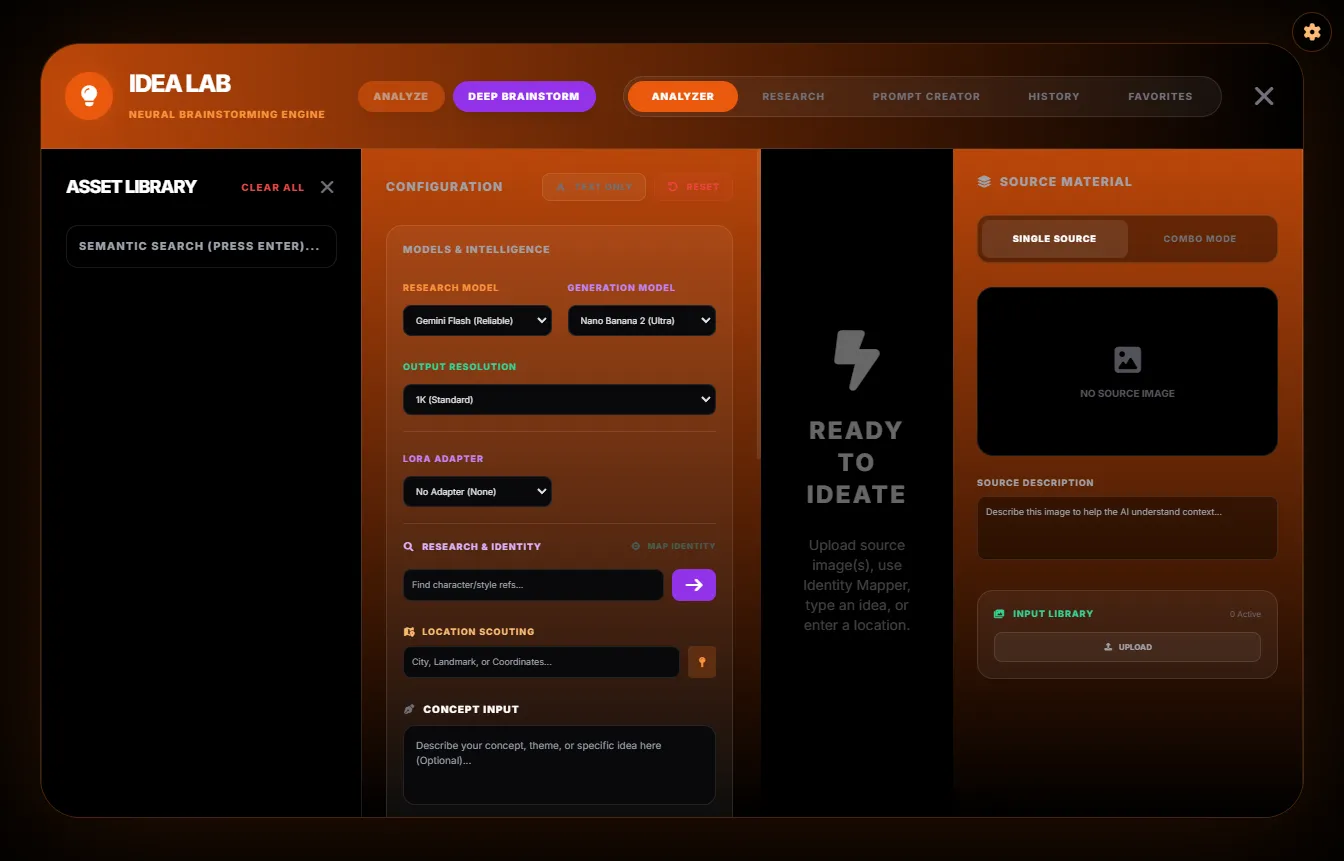 Turn a picture, a pile of references or a half-idea into prompts that work.XenoViolet
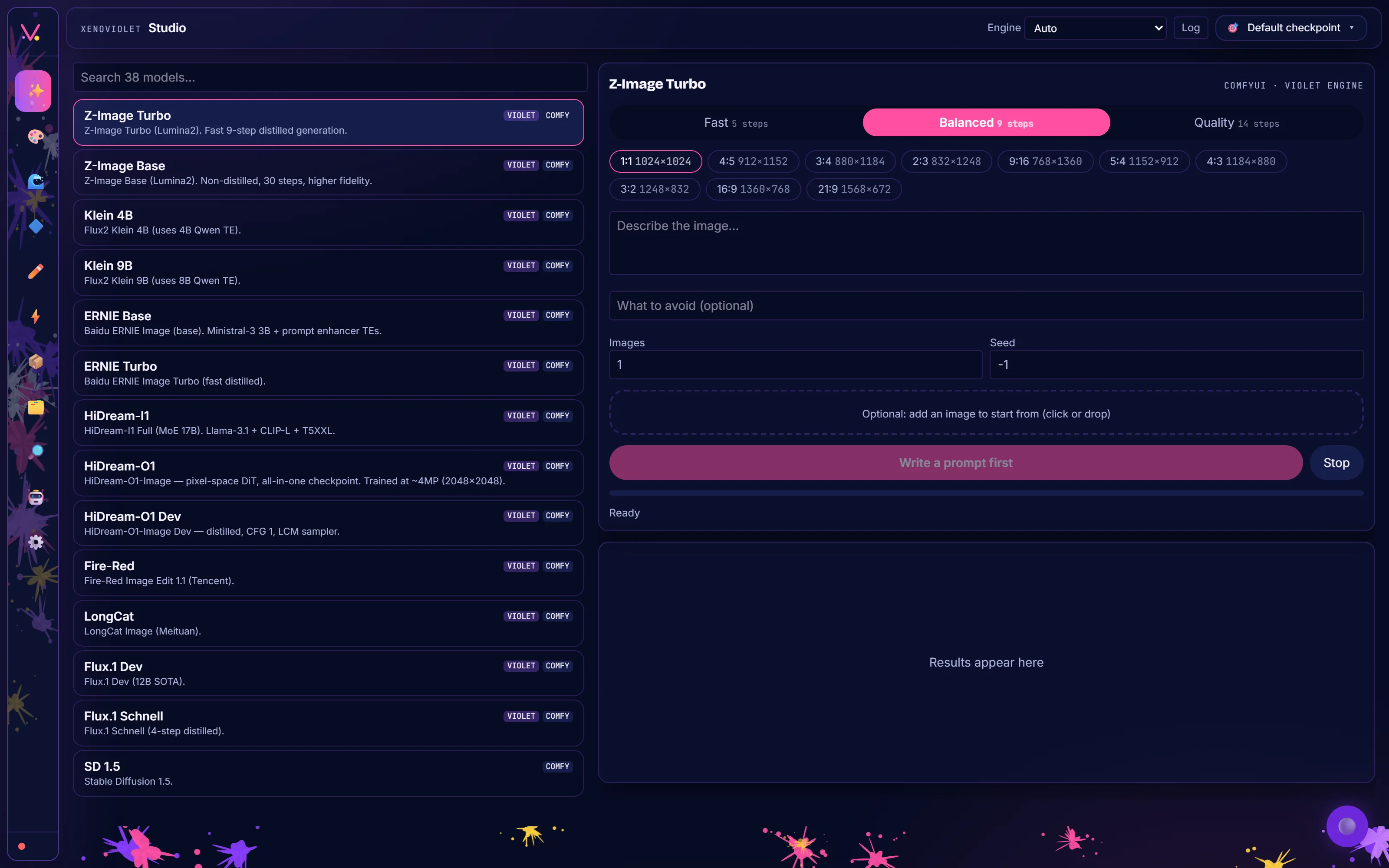 One image app: ComfyUI when you want nodes, the Violet Engine when you do not.CivitAI BrowserNo screenshot yetOne model browser that looks and works the same in every VIOLINET app.Plugin Marketplace
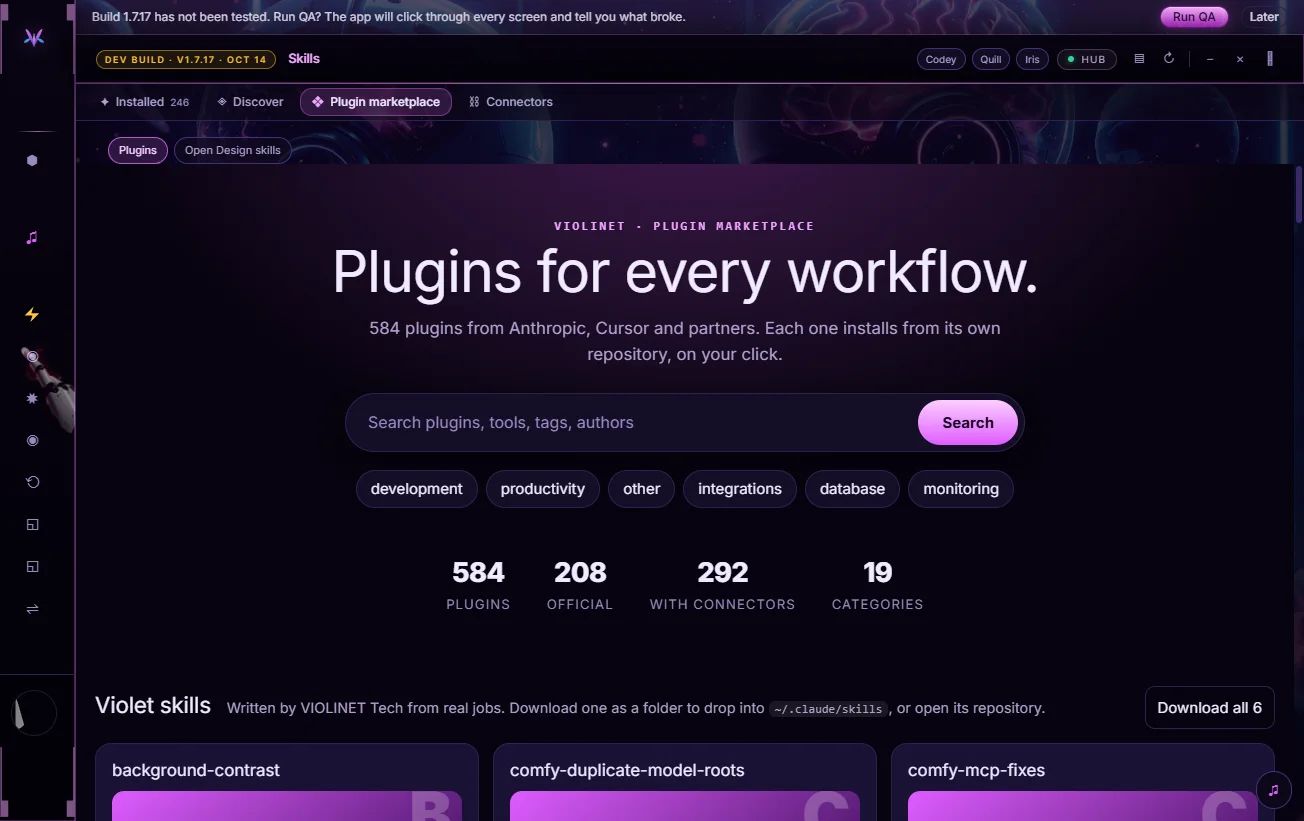 Plugins and skills for every workflow, one click from VIOLINET OS.SVIG
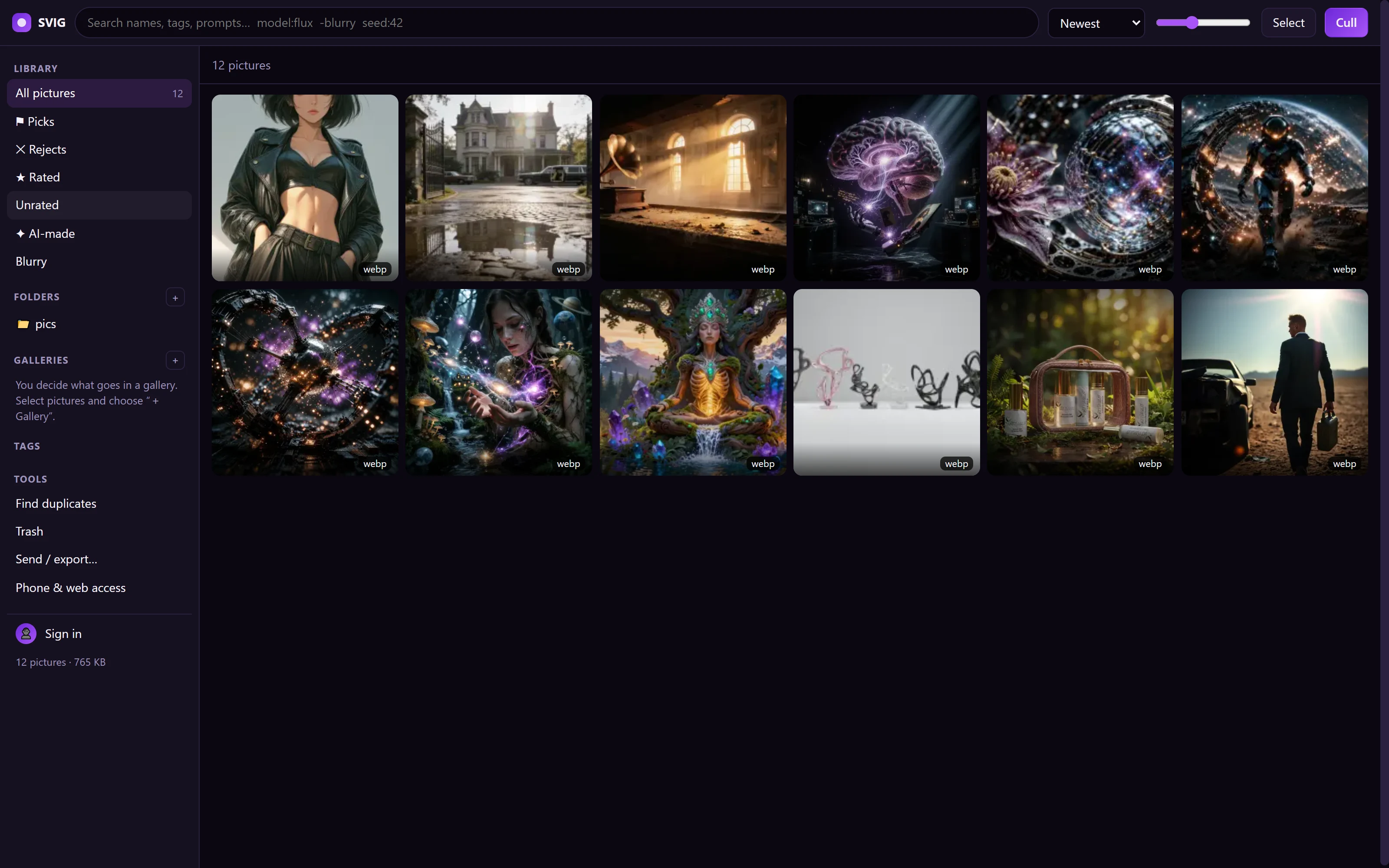 Sort, crop and rename a whole folder of pictures, on your own computer.
A code reviewer that argues with itself before it touches your code.CCO StudioA creative department in one window.PortrAIt StudioNo screenshot yetA neural darkroom: re-render camera angles in 3D, then develop the print.ComfyRAM ManagerFrees the memory ComfyUI is still holding, before the next run fails.bashmeHolds what an agent wants to run until a person agrees.Violet PairNo screenshot yetSend a generation job to whichever GPU in the house is free.Solar Violet NodesTyped loaders, a LoRA loader that scrolls and grows with your stack, and model browsers that find duplicates in every ComfyUI folder.Violet WildcardsFind, write, test and use the word lists your prompts draw from. 35 word lists, ten picker slots.QuantaVioletTurn a checkpoint into a GGUF you can load. Krea 2 included.Violet VaultNo screenshot yetSign in once. See what you own, what you can get and what is coming.Violet AssistantNo screenshot yetAsk why a workflow fails, what a node does, or where a model file belongs.VIOLYNKNo screenshot yetSend files, share the clipboard, show a screen, move one mouse across them.File SDMSize does matter. Resize, convert and crop a folder of images without any of them leaving the machine.Violet RescueFixes a Windows PC that won't start, with big buttons instead of commands.ArtPi6Angles, art styles, depth-map canvas, and an idea lab — one workspace, any model you have.GenFixHigh-fidelity text reconstruction, logo replacement and pattern synthesis.LoumiNova AIRetouch portraits live on your own machine, then apply the look to the whole shoot.Idea LabTurn a picture, a pile of references or a half-idea into prompts that work.XenoVioletOne image app: ComfyUI when you want nodes, the Violet Engine when you do not.CivitAI BrowserNo screenshot yetOne model browser that looks and works the same in every VIOLINET app.Plugin MarketplacePlugins and skills for every workflow, one click from VIOLINET OS.SVIGSort, crop and rename a whole folder of pictures, on your own computer.